Apple TV
Made for the Siri Remote: it opens on your last channel and stays out of the way.
On Apple TV.
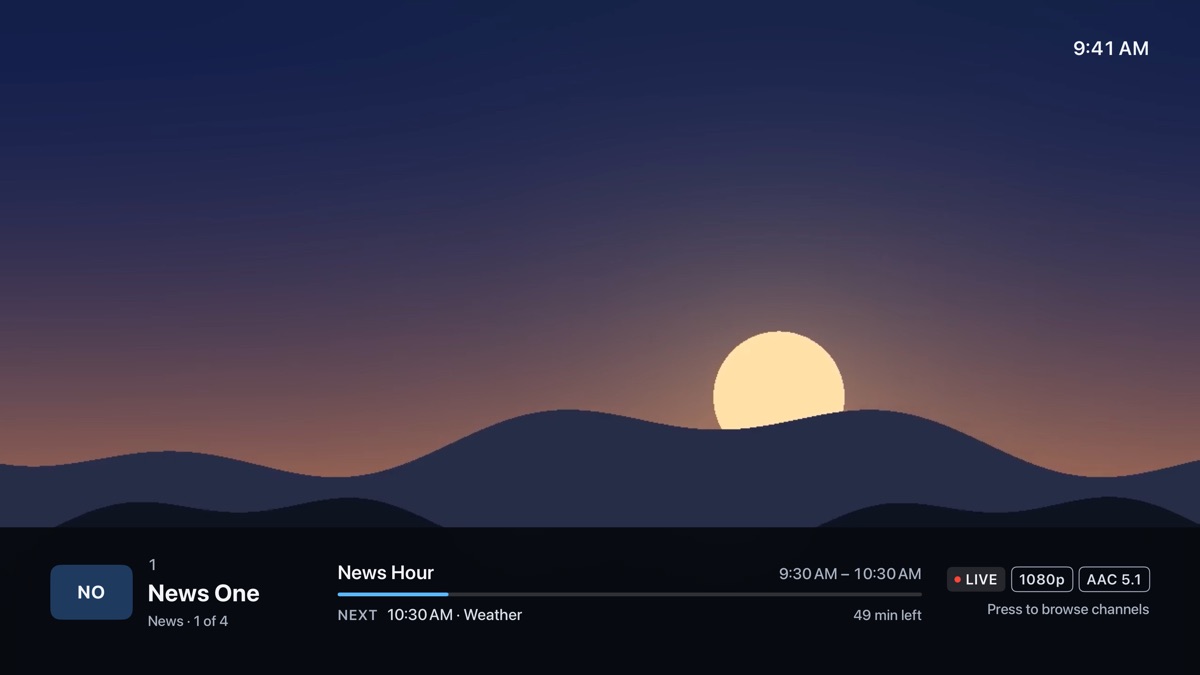
Straight to your last channel
Antuna opens full screen on the channel you watched last, after asking who is watching when there is more than one profile.
On Apple TV.
The channel list over the picture
Press select to see groups and channels with what is on now. The picture keeps playing behind it.
On Apple TV.
Up and down to change channel
Swipe to the next channel and an info bar shows its number, programme, picture size and sound. Type a number on a keyboard to jump to it.
On Apple TV.
Hints for the remote
A short legend says what each button does on the screen you are on. Turn it off in Settings.
On Apple TV.
Top Shelf
Your favorite channels with what is on now, and the titles you are watching, on the Apple TV Home Screen.
On Apple TV.